
Private events and private links
Private events and private ticket links.
Make an event private and it isn't listed anywhere on KOLA. Only people you send the link to can open it and buy. You can do the same for one ticket type.
Free to set up. It takes about 2 minutes.
- Unlisted
- a private event isn't on browse, search or your page
- By link
- anyone you send the link to can open it and buy
- No alerts
- nobody is emailed or notified about a private event
- Reset link
- turns an old ticket link off straight away
How it works
Make the event private
Under Visibility, choose Private (link only). Copy the link and send it to the people you want there.
Or make one ticket type private
Turn on Private link on a ticket type. It doesn't show on the event page. Only people with its link can buy it.
They open the link and buy
The link opens the event with the private ticket available to buy. No password is needed.
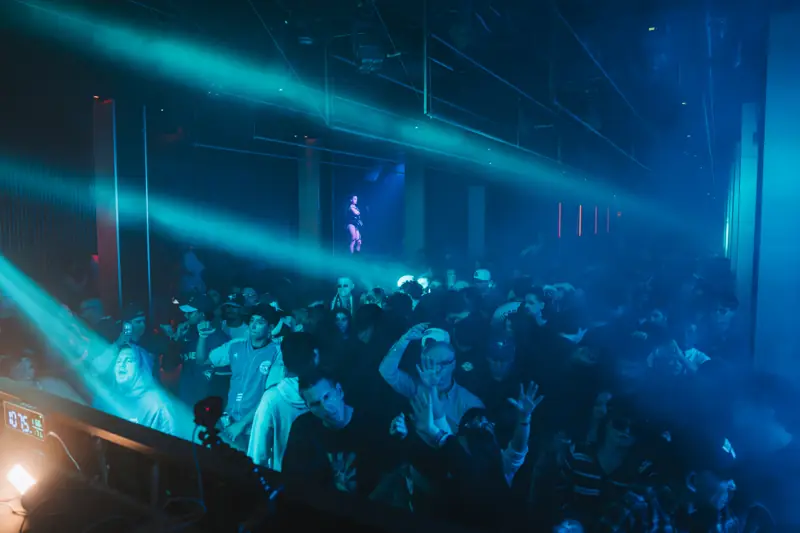
How private events work
- Set an event's Visibility to Private (link only). It stays off KOLA's home page, browse and search, and off your organizer, venue and artist pages.
- Nobody is emailed or notified about a private event.
- Anyone with the link can open the event and buy as usual. Press Copy link and send it to the people you choose.
- You can switch between Public and Private in Edit event. When you make a private event public, your followers are told once.
- Turn on Private link on a ticket type to sell it only by link. It never shows on the event page.
- Anyone with a private link can buy, so set that ticket type's quantity to how many you want to sell this way.
- If a link is shared further than you meant, press Reset link. The old link stops working straight away, and tickets already bought stay valid.
- A presale password is different: fans see that the ticket is locked, and type the password to open it.
Questions
Anything else, the guides have it.
Can someone forward my link?
Yes. Anyone who has the link can buy, so set the ticket type's quantity to how many you want to sell this way.
What if my link is shared further than I intended?
Open the ticket type and press Reset link. The old link stops working straight away. Tickets already bought with it stay valid.
Will a private event show on my page or reach my followers?
No. It isn't listed anywhere on KOLA, and nobody is emailed or notified about it.
Should I use a private link or a presale password?
With a private link, the ticket can't be seen without the link. With a password, fans see a locked ticket and type the password to open it.
Guides that go deeper
More of what you get
How to start
Two minutes to sign up, and you can start on your first event straight away.
- 1
Sign up
Answer a few questions about your events. It takes about two minutes.
- 2
Connect Stripe
Stripe is how you get paid. It checks who you are and where to send your money.
- 3
Publish your event
Add a flyer, a venue, a description and your tickets. Press Publish and it's on sale.